User Interface Overview
This topic provides an overview of the common elements of the Intel Exchange User Interface (UI). The common UI elements are placed in the side menu bar and the top bar.
Side Menu Bar
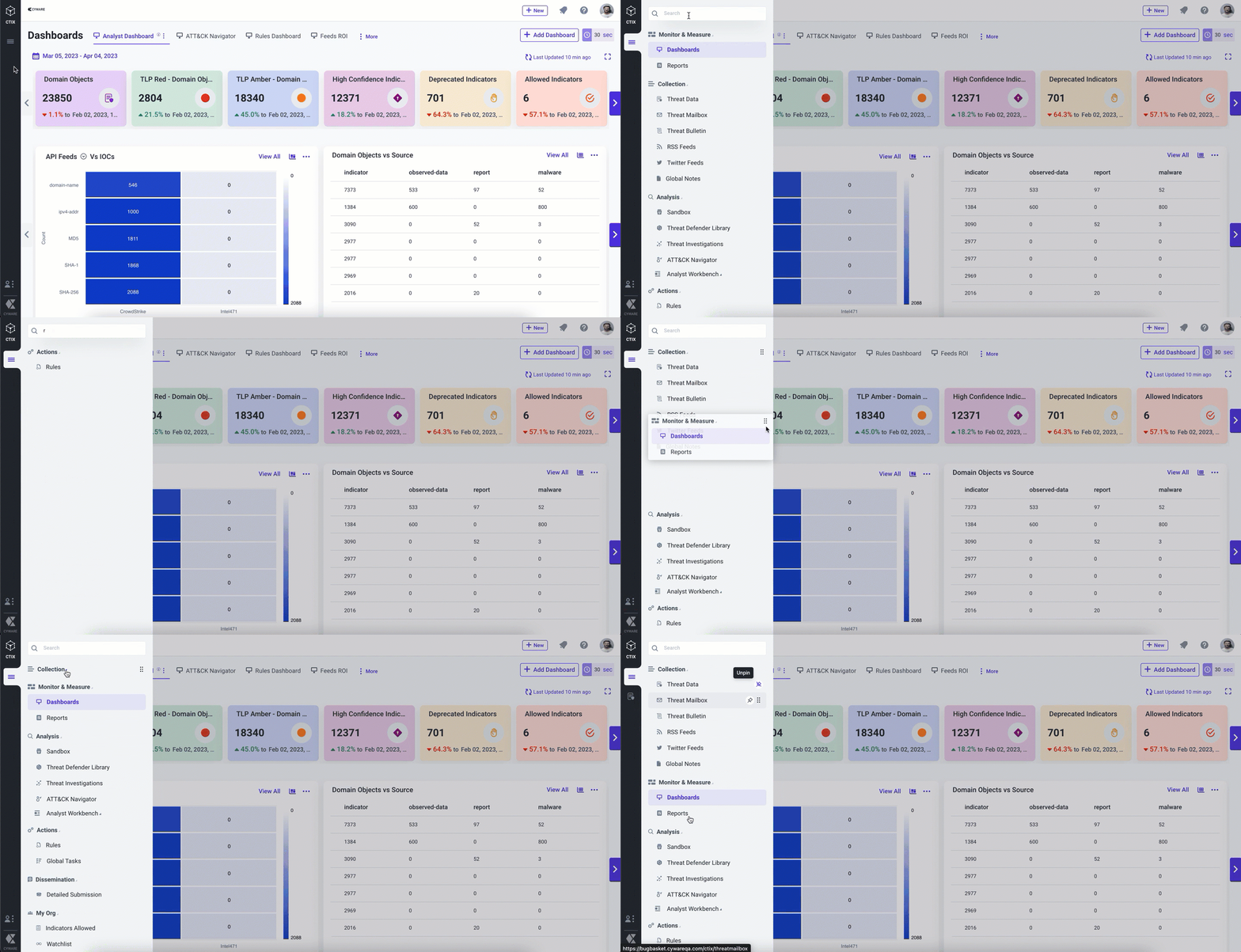
The side menu bar on the left of the Intel Exchange UI provides access to all features under the Main and Administration Menu for quick access. You can customize the side menu bar by pinning or re-aligning the positions of the frequently used modules as per your needs. You can re-position the modules under their respective categories.
The side menu bar consists of the following elements:
Main Menu
You can access all modules of the application from the menu. The modules are categorized into the following groups:
Monitor & Measure: Visualize and share customized, timely, comprehensive, and concise threat intel within the team using the Dashboard and Report capabilities of Intel Exchange.
Collection: View and define actions for the threat intel collected from various sources using Threat Data, Threat Mailbox, Threat Bulletin, RSS Feeds, and Global Notes capabilities.
Analysis: Analyze, investigate, and consolidate the threat intel collected from various sources to identify patterns, possible breaches, and more using the Sandbox, Threat Defender Library, Threat Investigations, ATT&CK Navigator, and Analyst Workbench capabilities.
Actions: Automate actions based on defined conditions and tasks to assign to the respective analysts to take the required actions using the Rules and Global Tasks capabilities.
Dissemination: Create a draft intel from the analyzed threat intel and further publish the required intel to the collections to share it with subscribers and other third-party organizations using Detailed Submission capabilities.
My Org: Track identified threat intel and add necessary threat data objects to the allowed list to avoid blocking them by mistake using Allowed Indicators, Watchlist, and Tags capabilities.
You can perform the following activities to manage the modules in the menu:
Search for a module.
Collapse or expand the groups.
Pin a module to the application navigator for quick access.
Reorder the groups as per your preference. You can also reorder the modules within a group.
Administration Menu
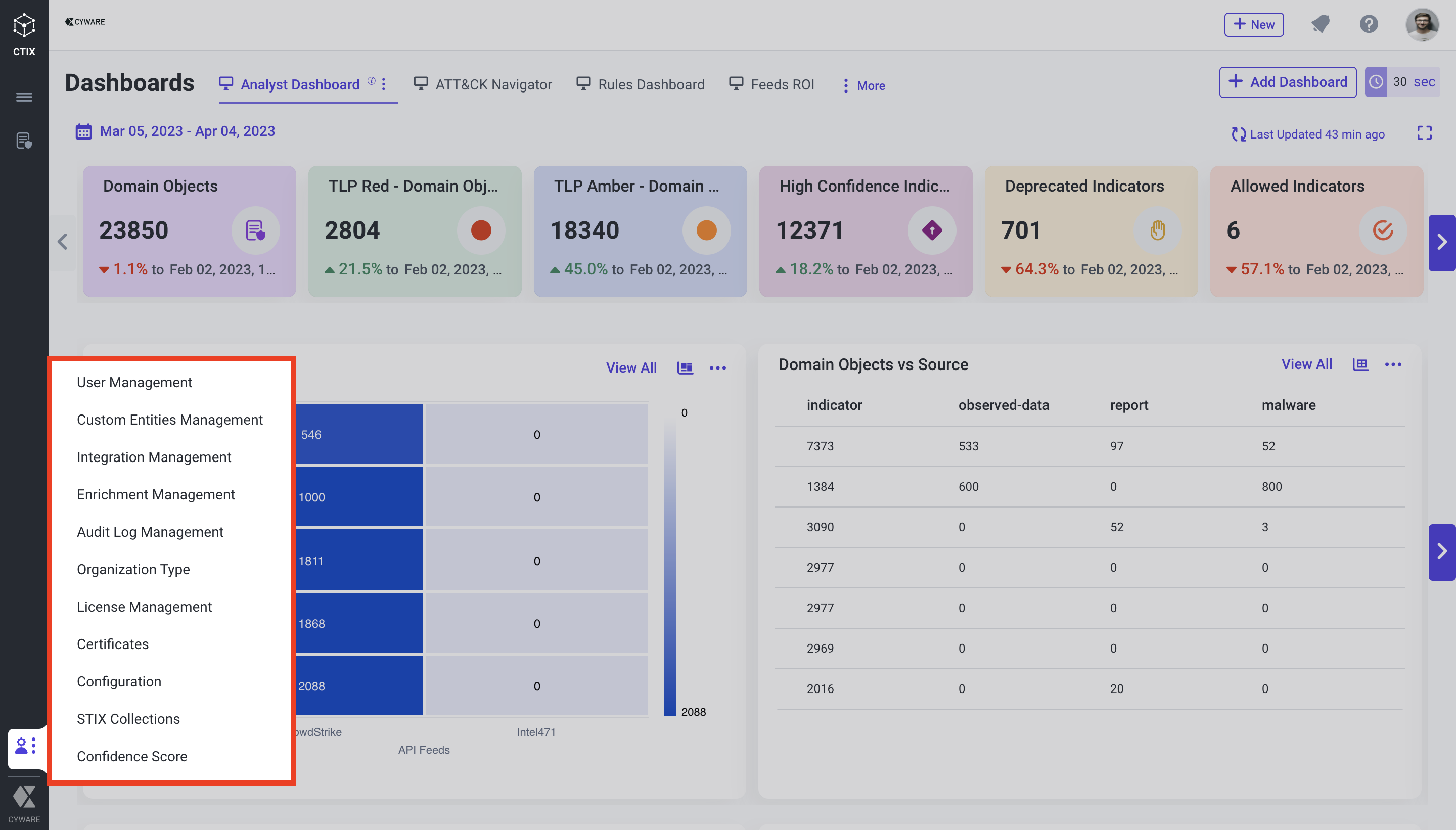
The admin panel includes features and configurations performed by the administrator in one place, such as user and user group management, integration, enrichment, audit log, and custom entity management. This also includes configurations, such as certificates, STIX collection, organization type, and more.
Top Bar
Users can quickly access the features such as quick submissions stack, opened module tabs, global search, my task, background processes, notifications, help, and my profile from the top bar.
The features and functions of the top bar are described in the following table.
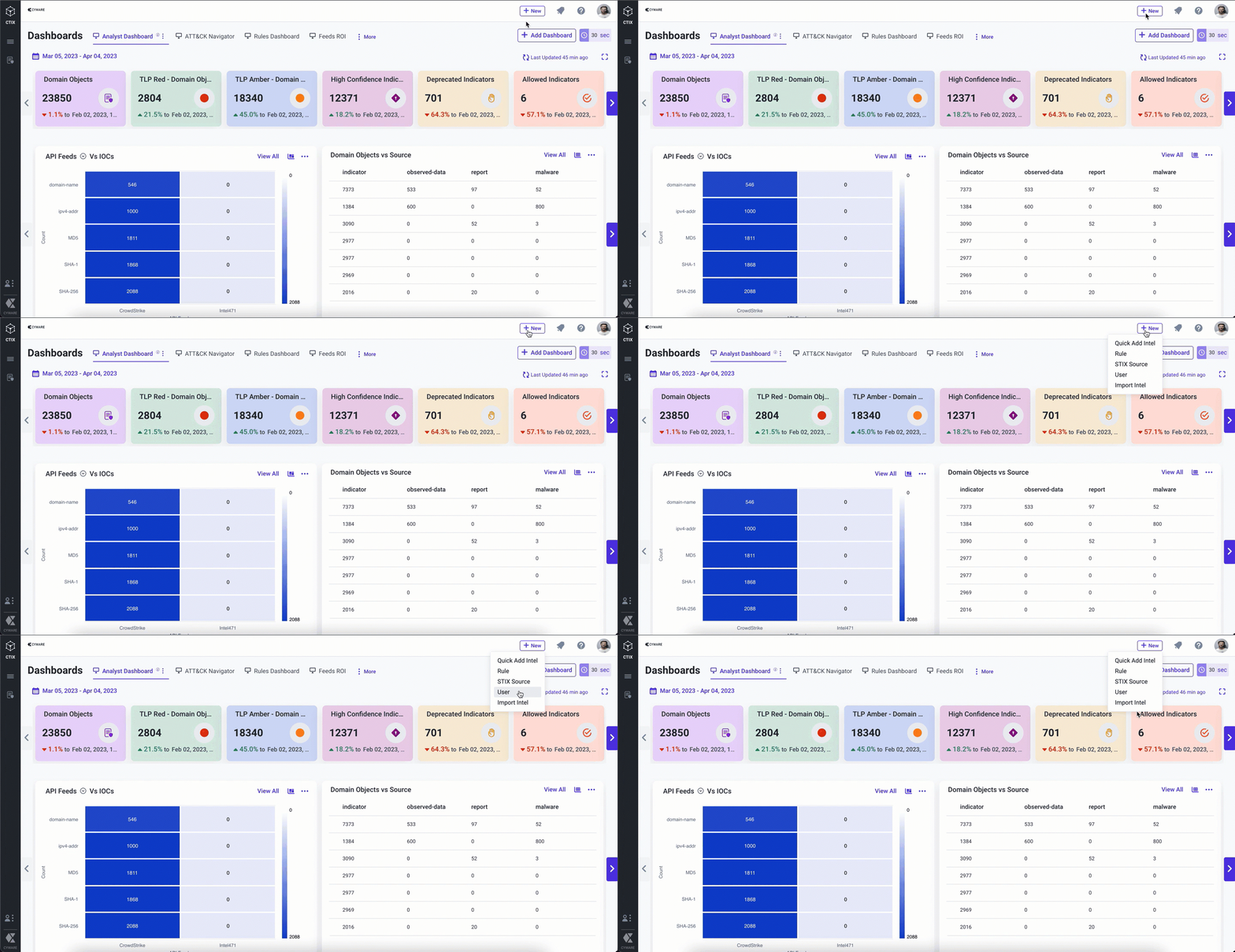
Quick Submissions Stack Quickly access creation of quick add and import intel, rule, STIX source, and users. |
| |
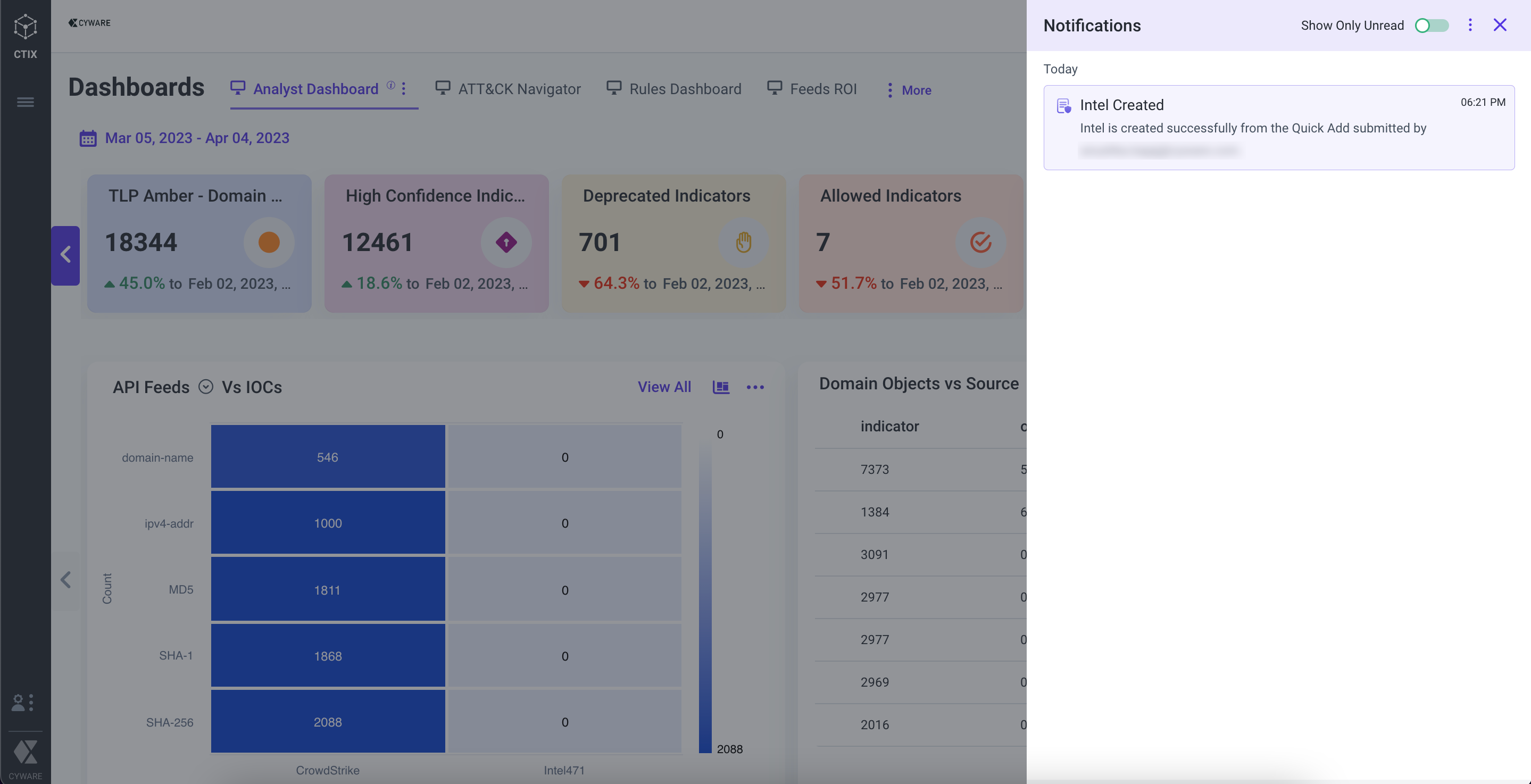
Notifications Intel Exchange offers web notifications to notify analysts about intel creation, intel deletion, connection errors, and more. |
| |
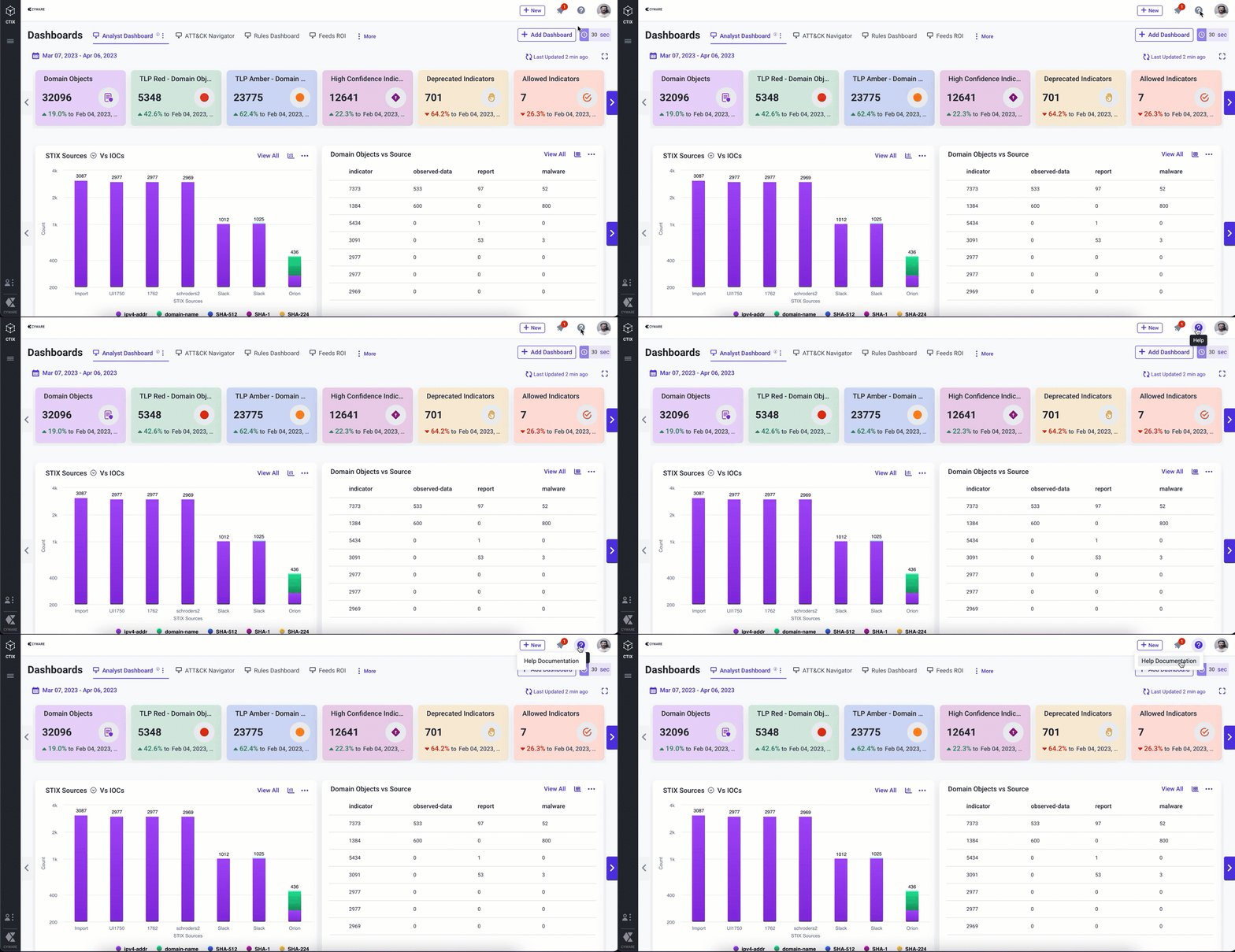
Help Get immediate help and learn about the application by accessing the product documentation in the help centre. |
| |
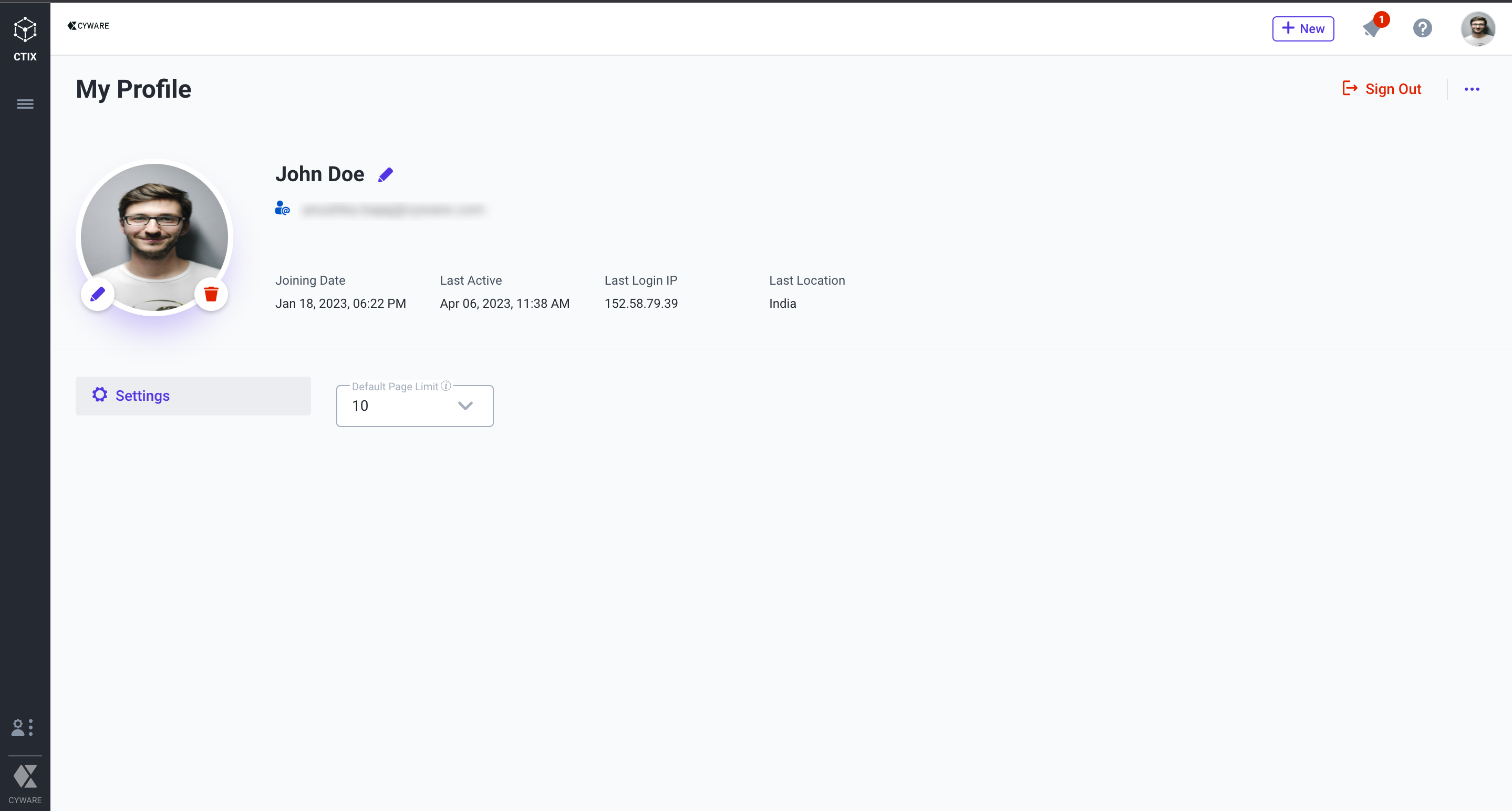
My Profile View and manage your profile details in the application. |
|