Cyware Sandbox
Notice
This feature is available from Intel Exchange v3.7.5.0 onwards for enterprise customers with Cyware Cloud deployments. Contact your Cyware sales or support representative to enable Cyware Sandbox.
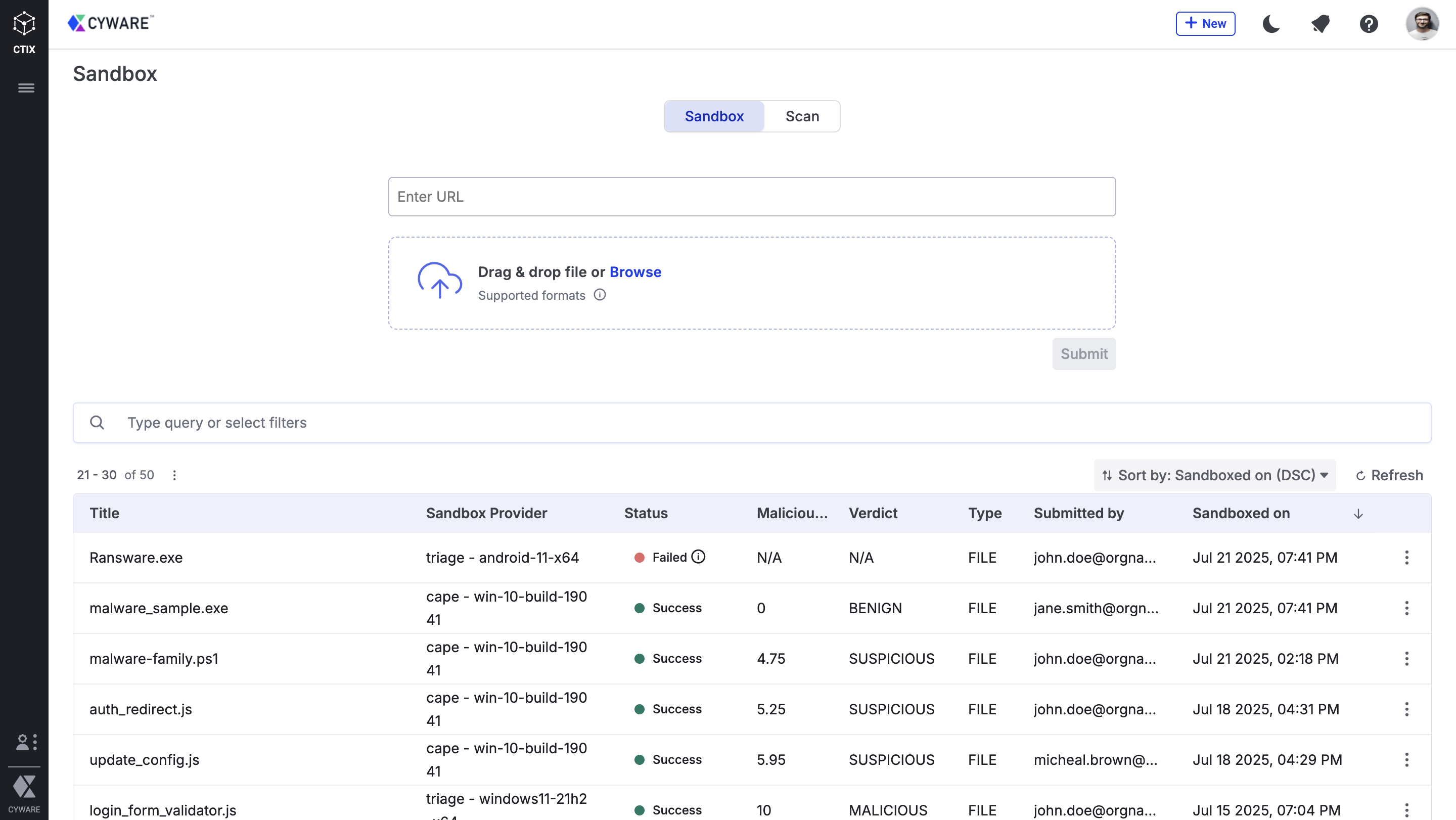
Cyware Sandbox lets you safely execute suspicious artifacts in a controlled environment. You can detect malicious behavior, investigate unknown threats, and generate actionable Indicators of Compromise (IOCs) without affecting live systems.
Capabilities
You can use the following capabilities based on the depth of your analysis:
Scan: Perform a quick scan of artifacts to receive an immediate threat verdict. This lightweight method is useful when fast decision-making is required.
Sandbox: Submit artifacts for deep behavioral analysis. The sandbox records detailed activity and produces a comprehensive report that can be reviewed anytime.
For more information about Sandbox, see Cyware Sandbox.
 |