Troubleshoot Integration
Use this section to resolve common issues you may encounter while running actions or playbooks.
This issue occurs when an action script exceeds its execution time.
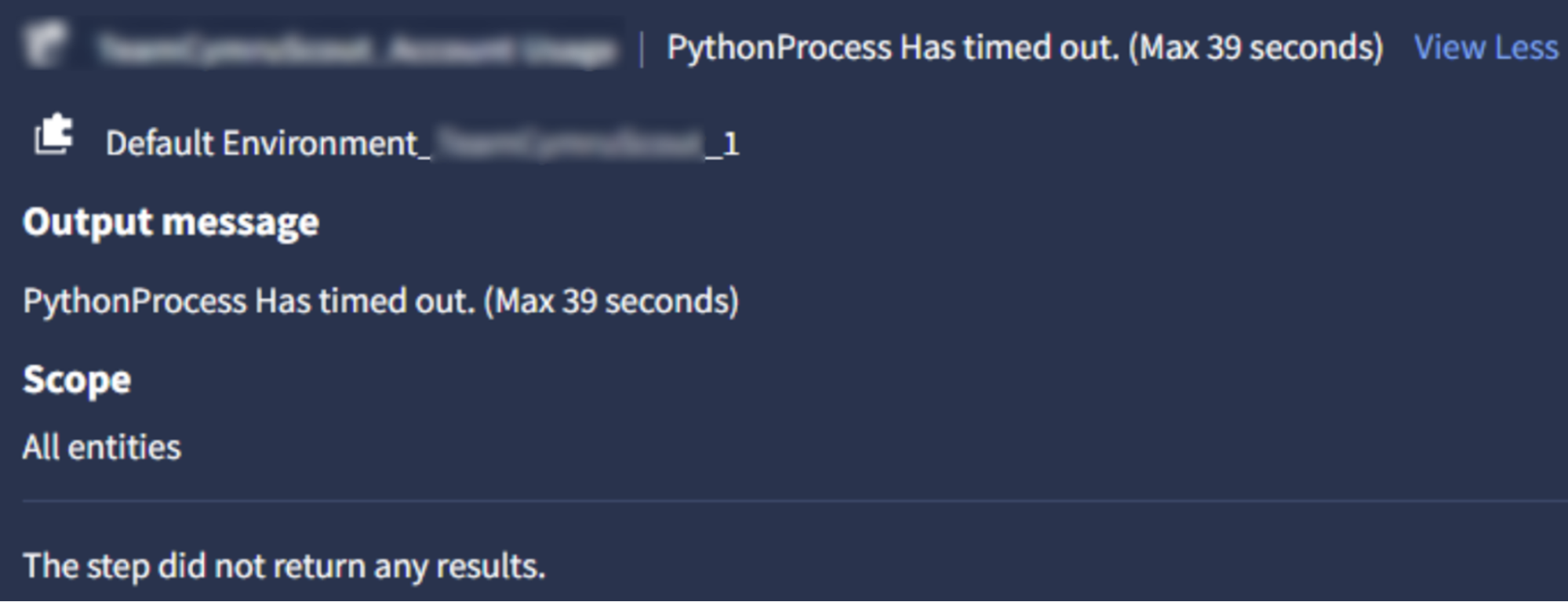
Solution
To fix this issue, you can follow any one of the following solutions:
Increase the script timeout using the following information:
Go to Response > IDE in the sidebar.
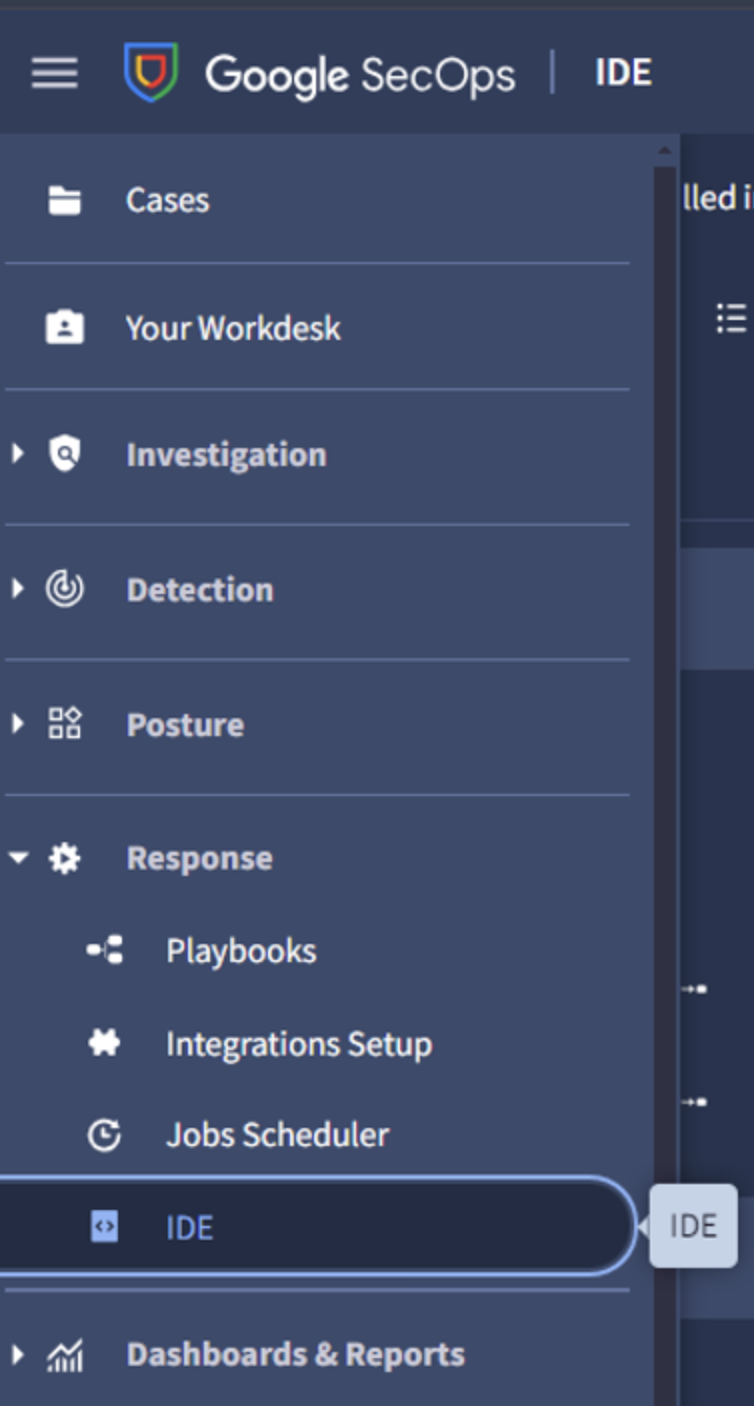
Search for the action script and select it.
In the Details tab, update the Timeout configuration value to your desired limit.
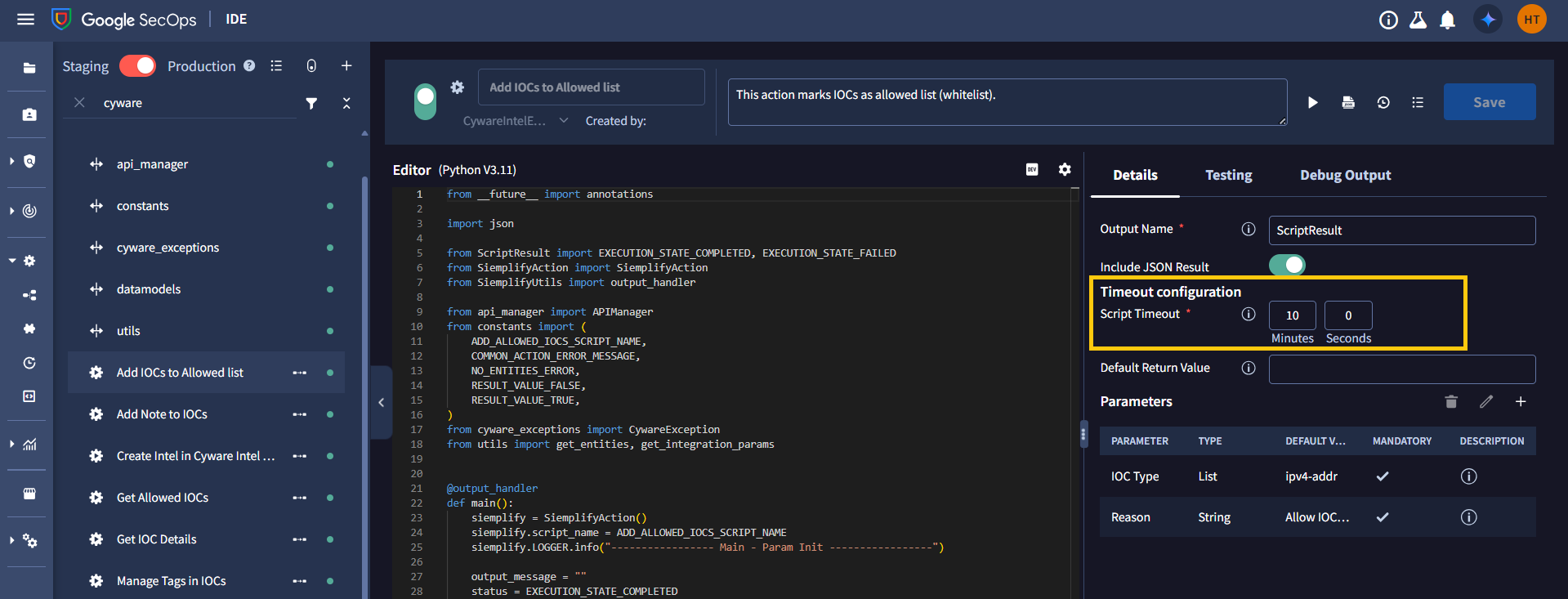
Click Save.
Optimize API query parameters by reducing the time frame to retrieve only relevant subsets of data instead of all results.
After completing these steps, re-run the action to verify that it executes successfully.
The action fails with a system error, such as no healthy upstream.
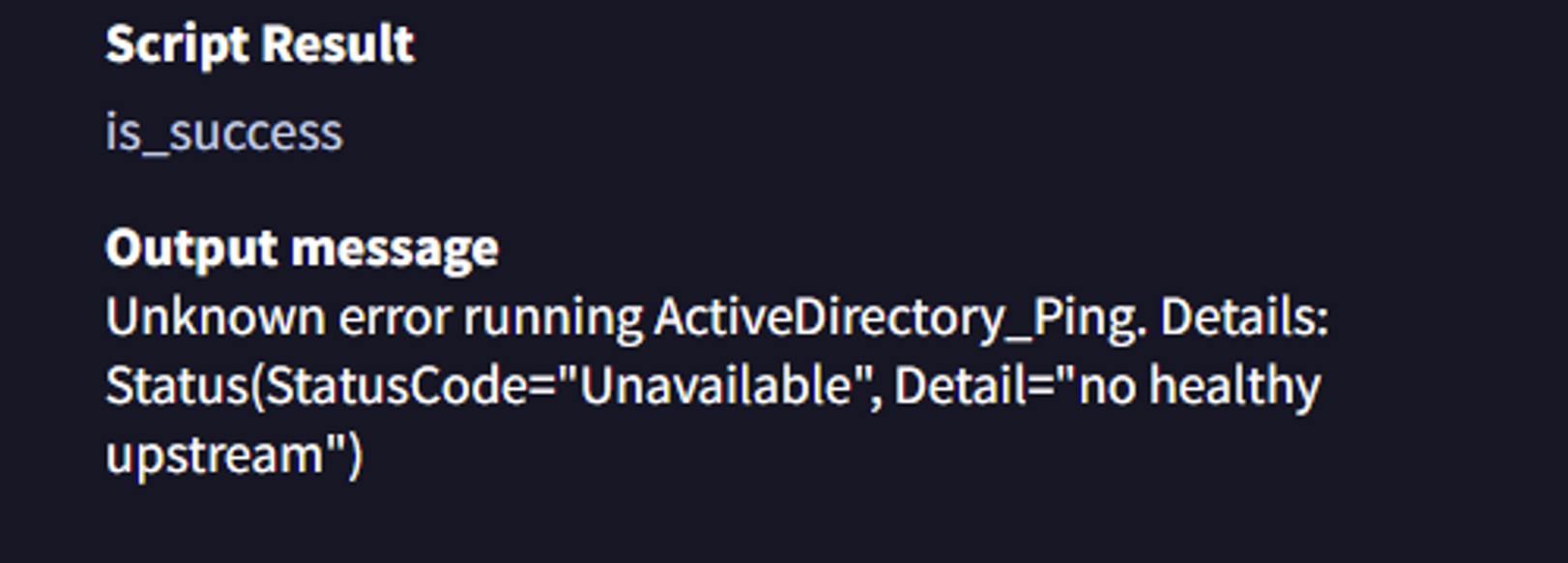
Solution
This error usually indicates that the SecOps backend servers are temporarily unavailable. To resolve it, you need to verify system availability and coordinate with your administrator.