Assign Source Score
Assign a score to the feed sources based on your trust or reliability of the source.
Steps
To assign a source score, follow these steps:
Go to Administration > Confidence Score.
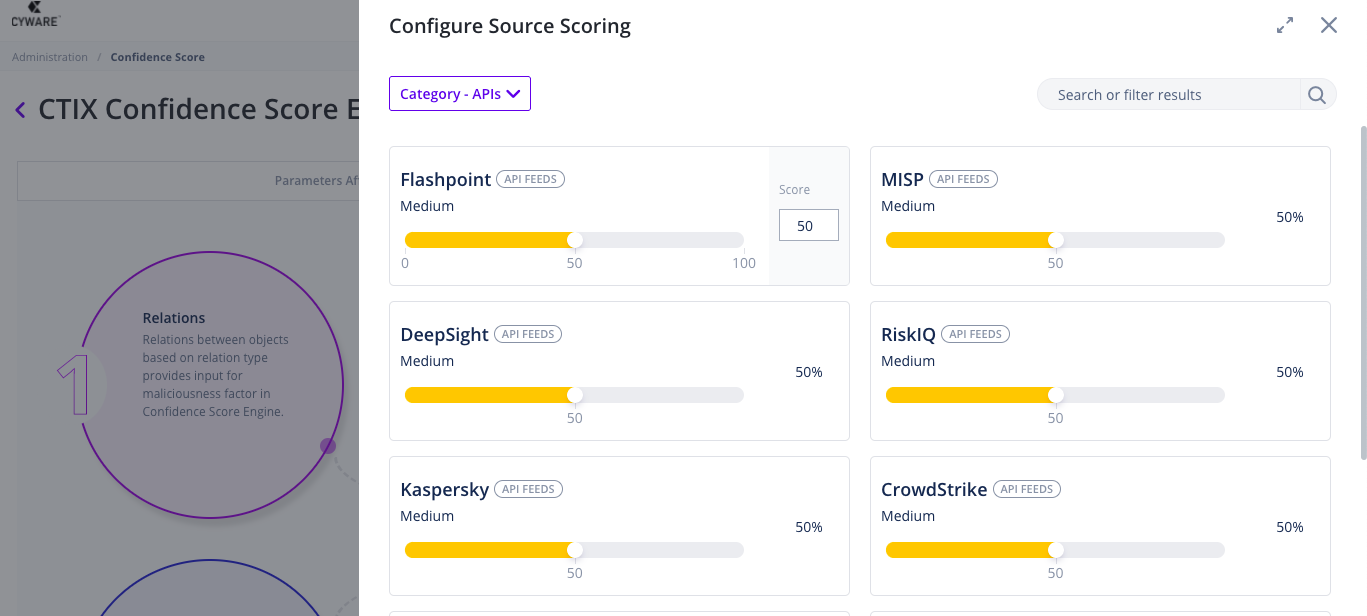
Select Configure Source Scoring.
From the Category dropdown, select your threat intelligence feed source category.
Choose a feed and drag the bar to choose a score or enter a value in the Score. Do this for any number of sources for whom you want to configure a source score.
Click Save.
 |