User Interface Overview
This topic provides an overview of the common elements of the CSAP Analyst Portal User Interface (UI). The common UI elements are placed in the side menu bar.
Side Menu Bar
The side menu bar on the left of the Analyst Portal UI provides access to all features and the admin panel for quick access. Users can customize the side menu bar to quickly access frequently used features.
The important elements and functions of the side menu bar are:
Menu
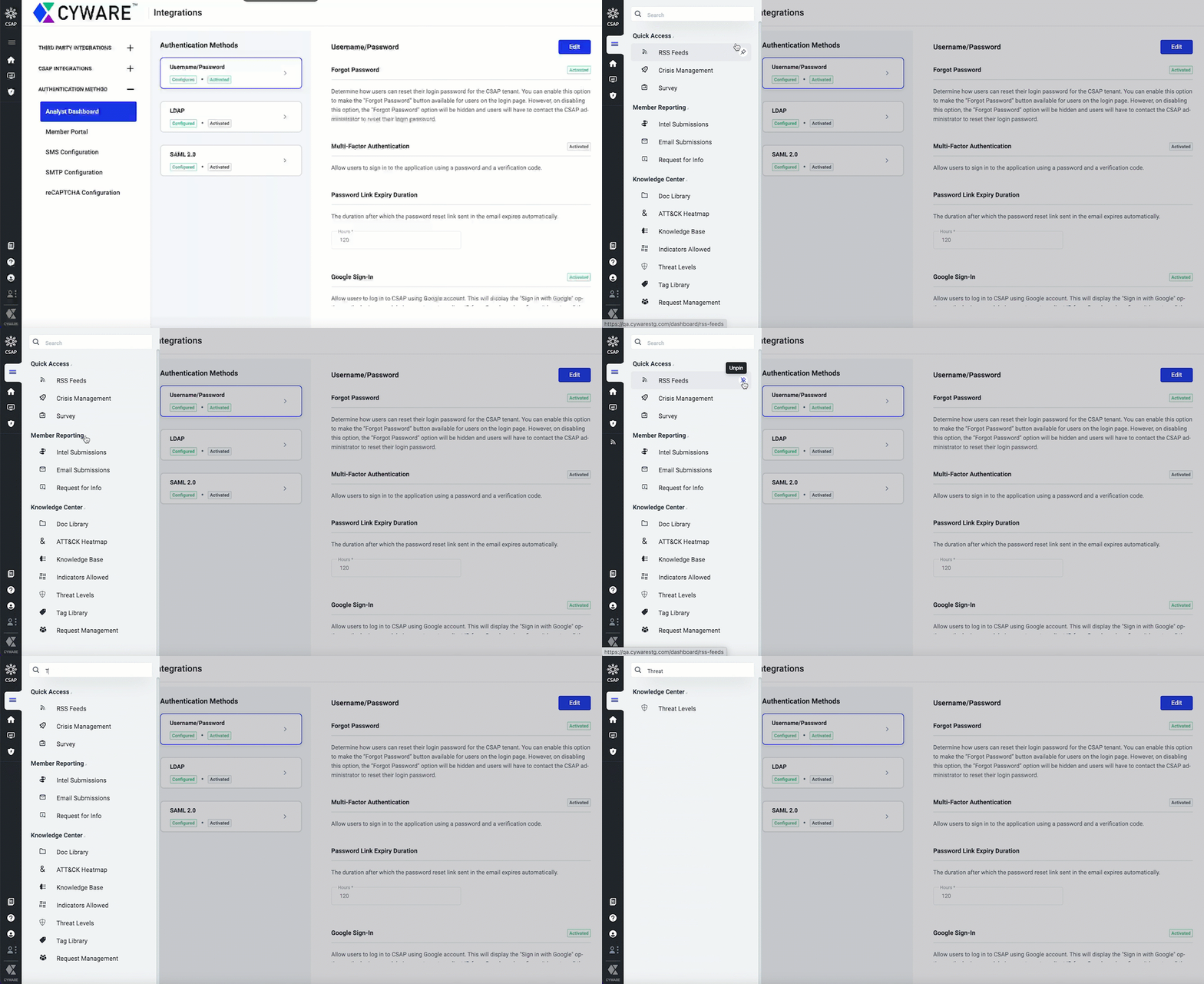
You can access all modules of the application from the menu. The modules are categorized into the following groups:
Quick Access: Groups the modules for quick access such as RSS feeds, Crisis Management, and Survey capabilities of the CSAP Analyst Portal.
Member Reporting: Groups the modules that enable members to make submissions to the CSAP Analyst Portal such as Intel Submissions, Email Submissions, and Request for Info.
Knowledge Center: Groups the modules that allow analysts to create and store the content of different types such as Doc Library, Knowledge Base, ATT&CK Heatmap, Request Management, and more.
You can perform the following activities to manage the modules in the menu:
Search for a module.
Collapse or expand the groups.
Pin a module to the application navigator for quick access.
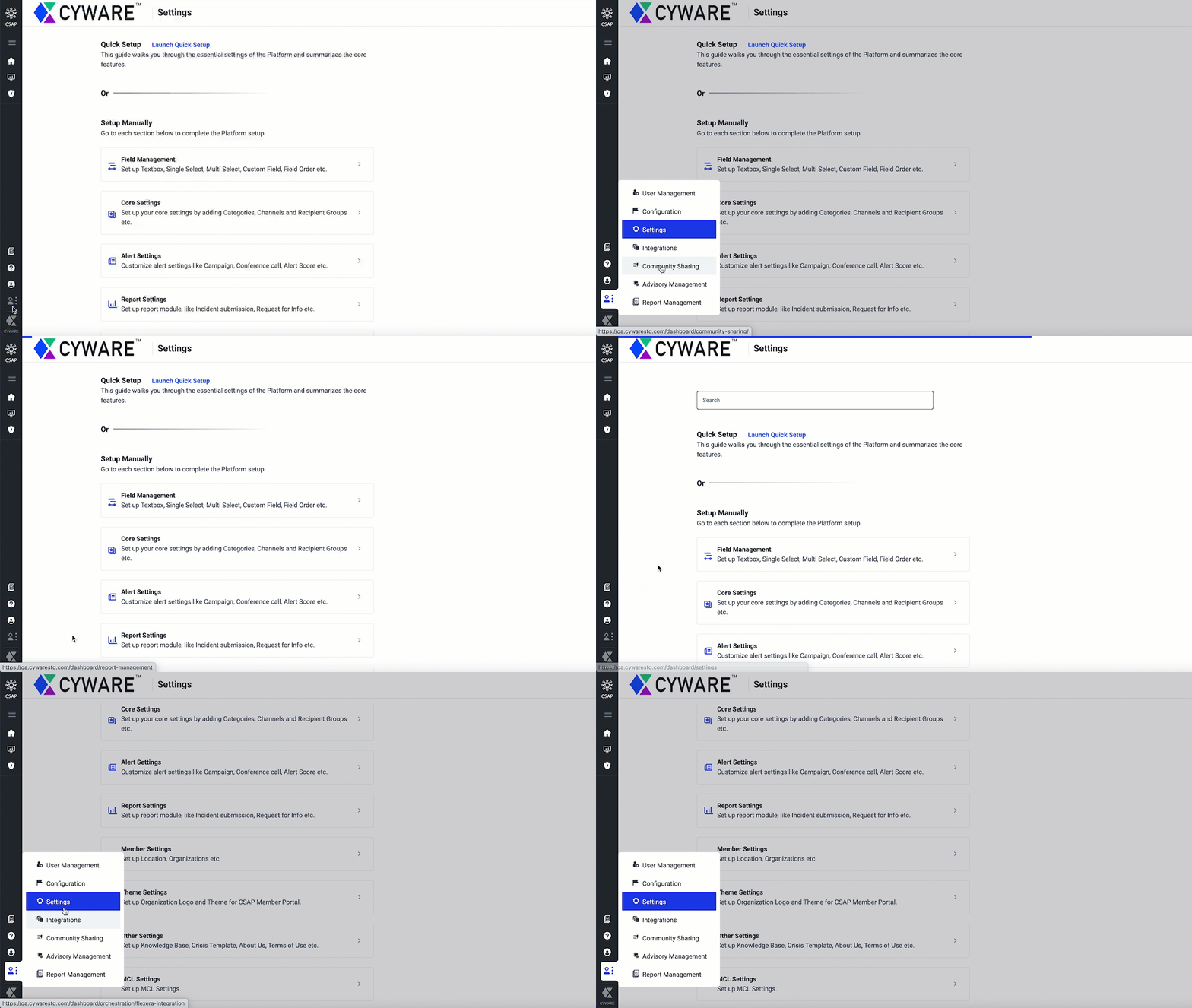
Admin Panel
The admin panel includes all the features and configurations performed by the administrator in one place, such as user and user group management, advisory management, configurations, open API, community sharing, and more.