RSS Feed
From the Home menu, when you tap the RSS Feed icon, the Actions module opens, as shown in the following image.
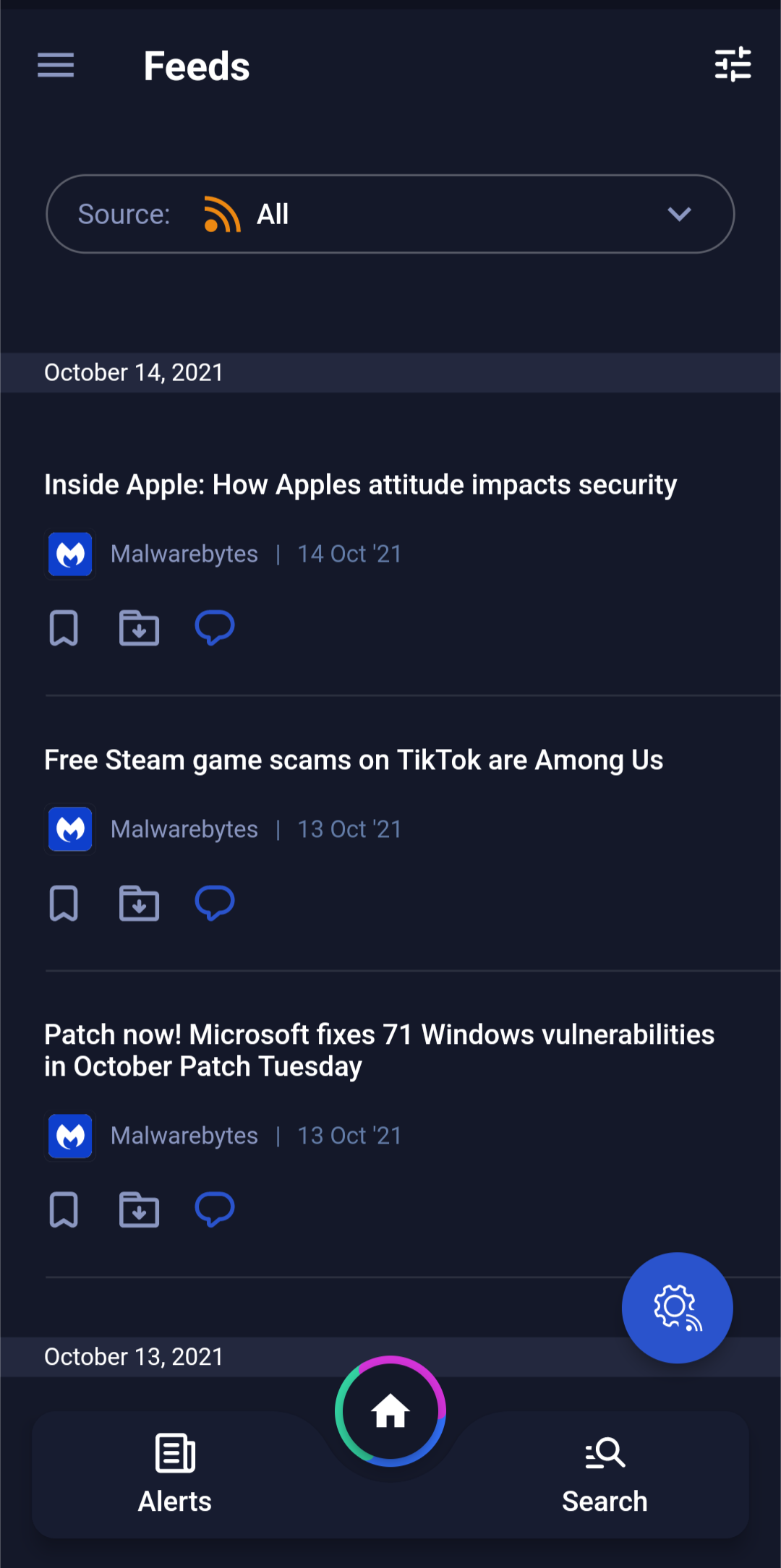
Add or Manage. Click this button to add or manage RSS feeds.
Follow. For each RSS feed you want to follow, click Follow. If you are already following an RSS feed, click Following to unfollow a particular feed.
Close. When you are finished, click the X icon to close the Feed Sources dialog box.
Filter. On the top of the screen, tap the Filter icon to open the Filter dialog box, where you can filter for documents by the following parameters:
All Feeds. Displays all feeds that you are following.
Bookmarked. Displays all feed alerts that you have bookmarked, for importance. To bookmark a feed alert, click the Bookmark icon for the required alert.
Archived. Displays all feed alerts that you have archived. To archive a feed alert, click the Archive icon for the required alert.
Initiate Discussion. To initiate or join a topic-based discussion, click the Messenger icon for the alert, and then select the relevant Recipient Group.